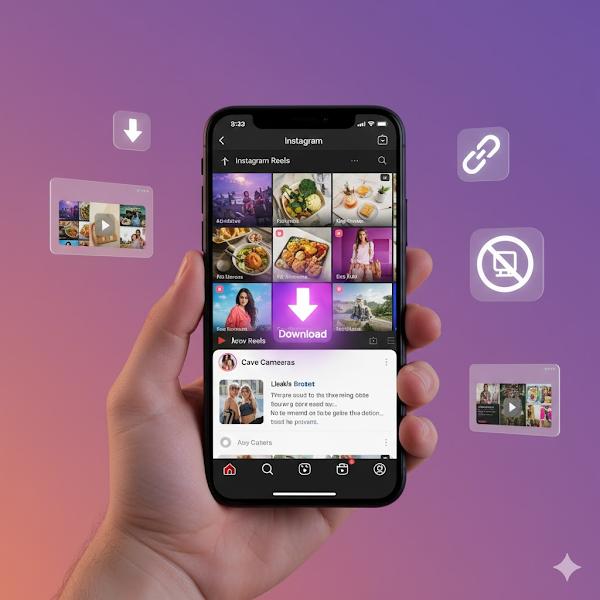
Instagram Reels are fun, creative, and inspiring. Sometimes you may want to save a reel to your phone, maybe to watch later, use in edits, or share offline. The only problem is that when you download reels directly from Instagram, they often come with a watermark.
In this guide, you’ll learn how to download Instagram Reels without a watermark safely, using simple tools that work on both Android and iPhone.
Is It Legal to Download Reels?
You can save reels for personal use (example: inspiration, studying editing style, personal archive). But avoid re-uploading other people’s content as your own. Always give credit when sharing.
Step 1: Copy the Reel Link
Whether you are using Android or iPhone, the process is the same.
- Open the Instagram app
- Find the Reel you want to download
- Tap the Share icon
- Tap Copy Link
This link is needed to download the video.
Step 2: Use a Trusted Online Downloader
You don’t need to install any app. Just use a safe website.
Recommended Websites:
How to download:
- Open one of these websites
- Paste the reel link
- Tap Download
- Choose Video without watermark if the option appears
Step 3: Download Using Telegram (Optional, Very Easy)
Telegram has bots that can quickly download reels.
Steps:
- Open Telegram
- Search for: SaveInsta Bot or Reels Downloader
- Start chat → Paste the link
- The bot will send the video without a watermark
This works on both Android and iPhone.
Step 4: Use a Clean, Safe App (Android Only)
If you download reels often, using an app is more convenient.
Recommended App:
Reel Downloader (No Watermark) on the Play Store
How to use:
- Install the app
- Open Instagram → Copy Reel Link
- App automatically detects the link
- Tap Download Video
Note: Avoid apps that ask for an an Instagram login. Only use apps that work with links.
Step 5: Save Storage by Moving Videos to Gallery or Drive
Downloaded reels can fill up storage quickly. To avoid this:
- Move videos to Google Photos for backup
- Create a folder named Reels Collection
- Delete local duplicates regularly
Why Some Websites or Apps Fail?
Sometimes, Instagram updates its system, which temporarily breaks downloaders. If one site fails, try another — the method stays the same.
Tips for Safe & Respectful Use
- Do not post someone’s reel as your own
- Always credit the creator
- Ask permission if you plan to use the video in your content
Final Thought
Downloading Instagram Reels without a watermark is easy when you know the right tools. Copy the link → Use a trusted downloader → Save the video. Once you find the method you like, it becomes a quick routine.
Trust & Safety Note
This guide is for personal learning and offline viewing purposes only. Always respect original creators when sharing content online.